
 LinkedIn
 Twitter
 Facebook
 Youtube

TwinCore built a custom AI agent platform for a Florida B2B research company. The platform replaced manual company research, competitor monitoring, lead enrichment, and report generation with supervised agent workflows, field-level confidence scoring, audit trails, and structured exports to CRM.
- 3 full-stack developers
About the client
The client is a Florida-based company of roughly 20–50 employees serving B2B sales and marketing teams that need lead lists, competitor reports, and market scans on a recurring schedule. Their internal workflows were largely manual: a small research team switched between spreadsheets, websites, documents, and search tools to complete tasks that repeated every week. They had already tried Make.com plus OpenAI Assistants and it stalled at single-purpose flows that broke on edge cases.
“We can see what every agent is doing, fix it when it goes wrong, and pull the results straight into our CRM. That was the part missing from every off-the-shelf tool we tried.”

Project Goal
The goal was to replace fragmented manual workflows with a single, controllable AI automation platform. The client needed business users to create new agent types, configure agent behavior, choose between AI-assisted and manual setup, upload files, select an LLM, start and monitor agent runs, review structured results, and export processed data. The core objective: move AI from a chat interface to repeatable business workflow automation.
Before vs after
| Workflow | Before | After |
|---|---|---|
| Company research | 10–15 working days across two analysts, manual web and spreadsheet | 2–3 days of supervised agent runs with structured export |
| Competitor monitoring | Weekly manual checklist across a fixed set of sources | Scheduled runs, structured diff, alerts on change |
| Lead enrichment | Throughput capped by manual lookup speed per researcher | Throughput is review-bound, not lookup-bound — reviewers approve agent-extracted records instead of gathering them |
| Data quality and consistency | Mixed formats, manual cleanup before reporting | Named fields, confidence scores, ready for CRM import |
| Adding a new workflow | New tool, new training, new spreadsheet template | New agent type added in config + class, no platform rebuild |
Delivery timeline
A single-agent PoC running internally shipped in week 4. The core platform (Workflows Library, run monitoring, exports, multi-LLM adapter, RAG over uploaded documents) went into production use by week 12 with 6 agent types. The remaining months added 8 more agent types, Hangfire-based job queuing, role-based access, and deployment automation in parallel with daily client use, reaching 14 agent types by month 12.
Who This Is For
The platform fits any team that runs the same structured knowledge task on a repeating schedule: researching companies, enriching leads, monitoring competitors, extracting data from websites, or generating reports from collected inputs. The data sources are stable, the report structure is stable; only the input list changes.
Triggers that bring teams to a custom agent platform:
- B2B SaaS adding AI-powered features without hiring a dedicated ML team
- Startups where lead research and enrichment have been manual from day one
- Sales, real estate, and ops teams running weekly research on a fixed set of sources
- Market research and consulting firms producing recurring reports from web sources and uploaded datasets
If the workflow runs more than once a week and follows a defined pattern, an AI agent handles most of it.


Why a Custom Agent Platform — Not Zapier, n8n, or a Simple LLM Call
A chatbot answers questions. A custom AI agent runs a loop: plan → use tools → check results → decide next step → retry or finish. Zapier and Make connect APIs but have no concept of an agent deciding what to do next based on partial results, retrying a failed step with a different strategy, or scoring extracted data before proceeding. OpenAI Assistants API gives you a single-agent thread, with no multi-agent orchestration, no custom tool routing, and no run observability beyond what OpenAI exposes.
What TwinCore built instead: each agent type runs a graph orchestrated by LangGraph (an open-source framework for defining AI agents as execution graphs with explicit nodes, edges, and state). Tool use runs through function calling with per-agent schemas. Web crawling runs through Playwright (a headless-browser automation library) with configurable depth, domain filters, and rate limiting. Confidence scoring happens at the extraction layer, so low-confidence records get flagged rather than silently passed through. The entire run is stored: every intermediate step, every tool call, every error.
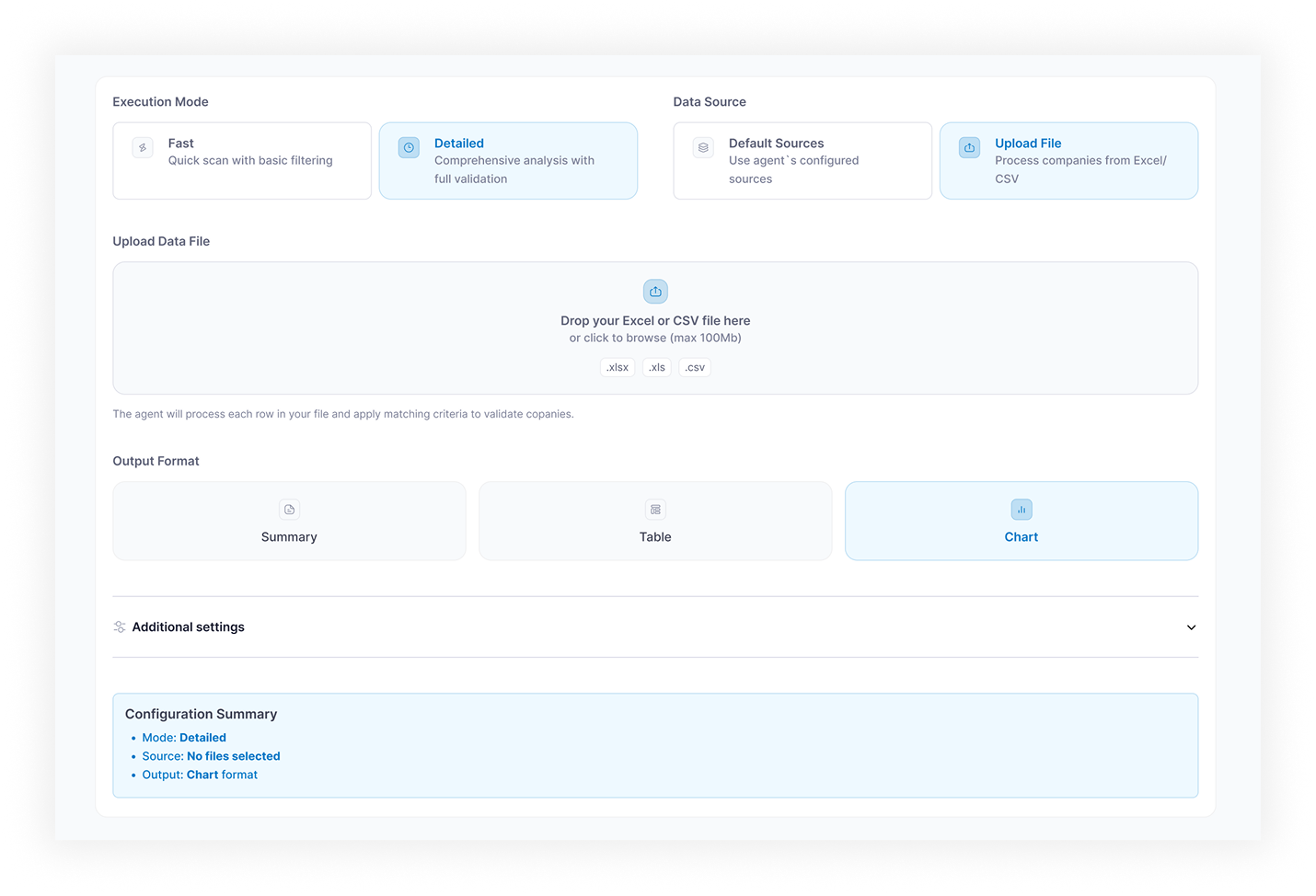
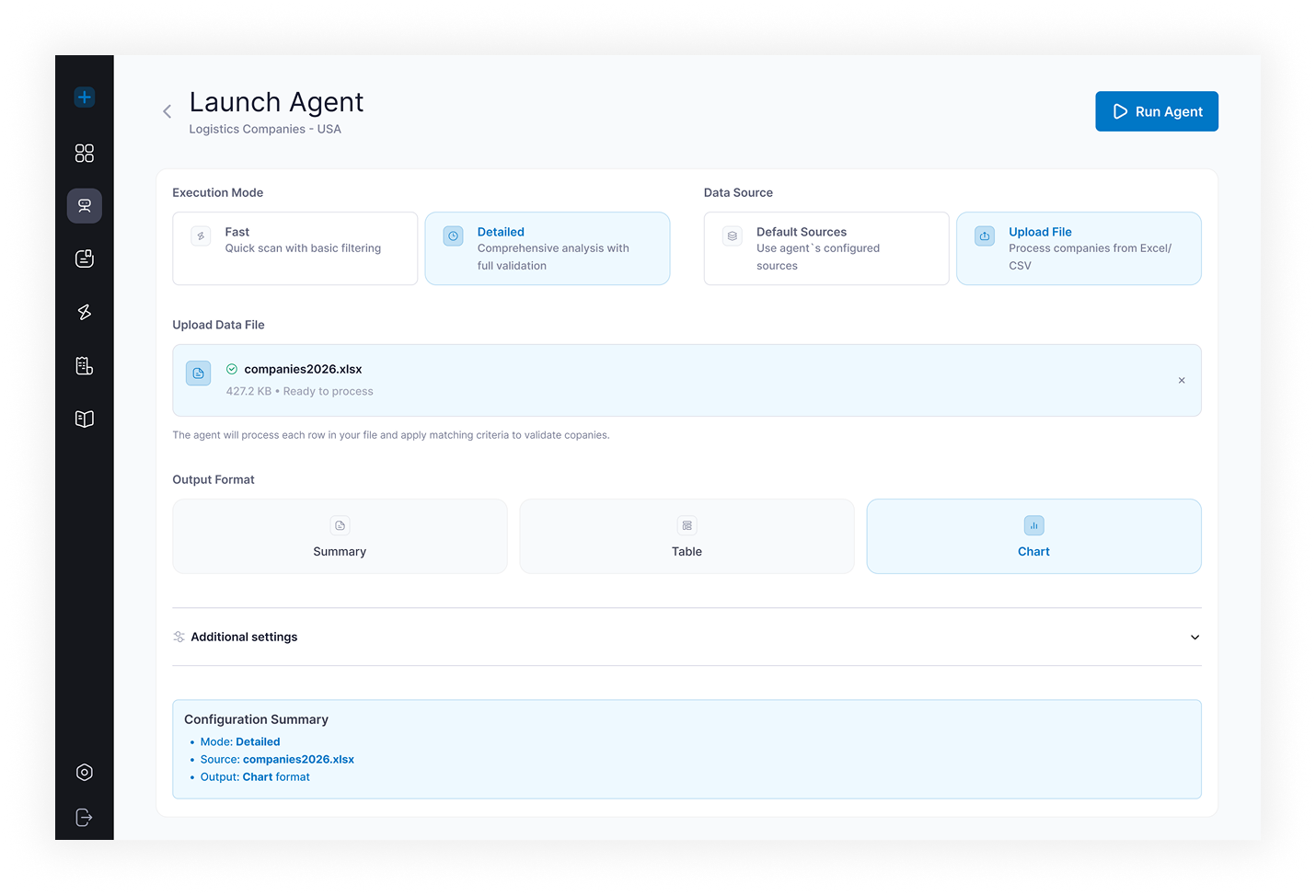
Custom AI Agent Platform: Solution Architecture
TwinCore built the platform around six core modules covering the full agent lifecycle.
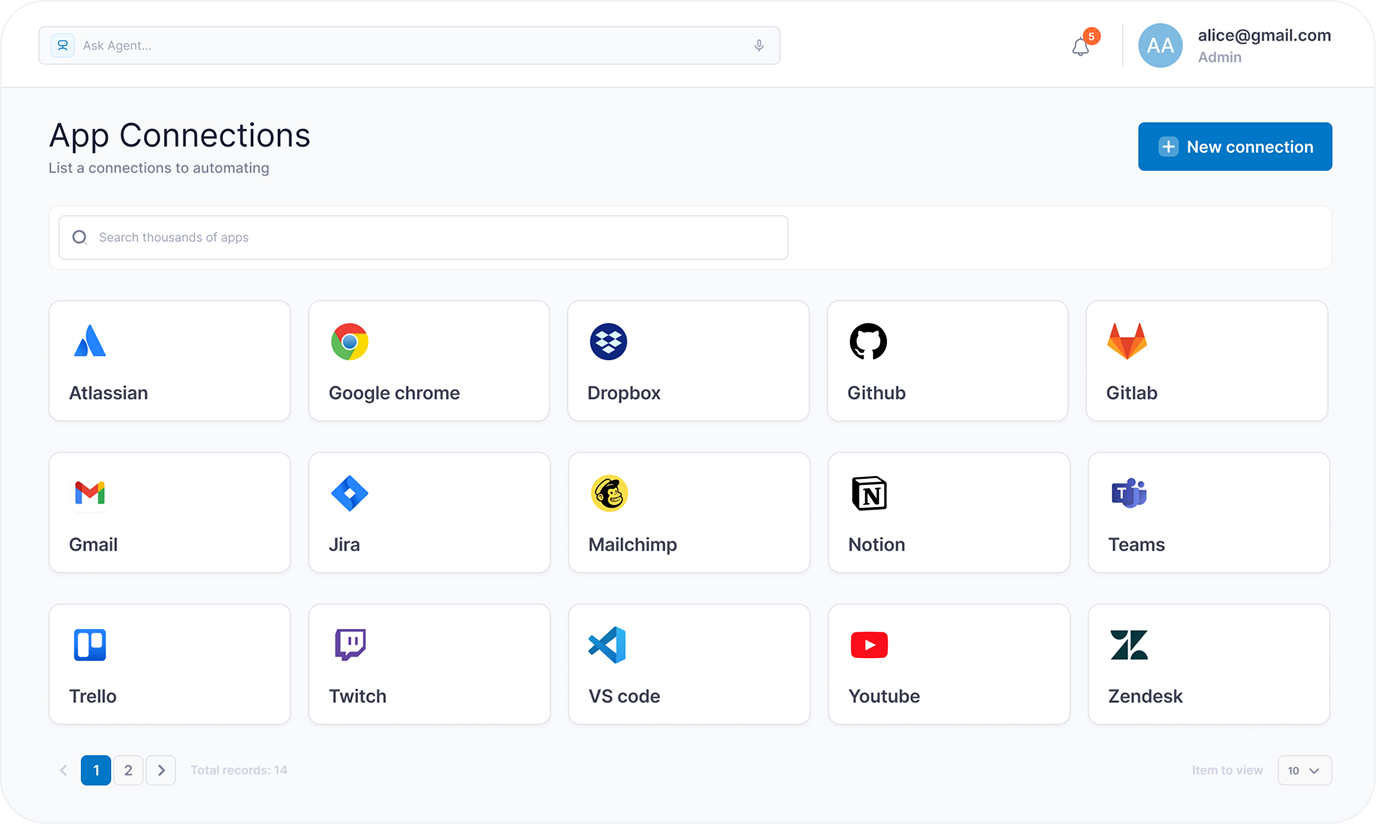
- Dashboard — aggregate view: total agents, active and completed runs, results found, today’s activity, recent events, errors, and warnings
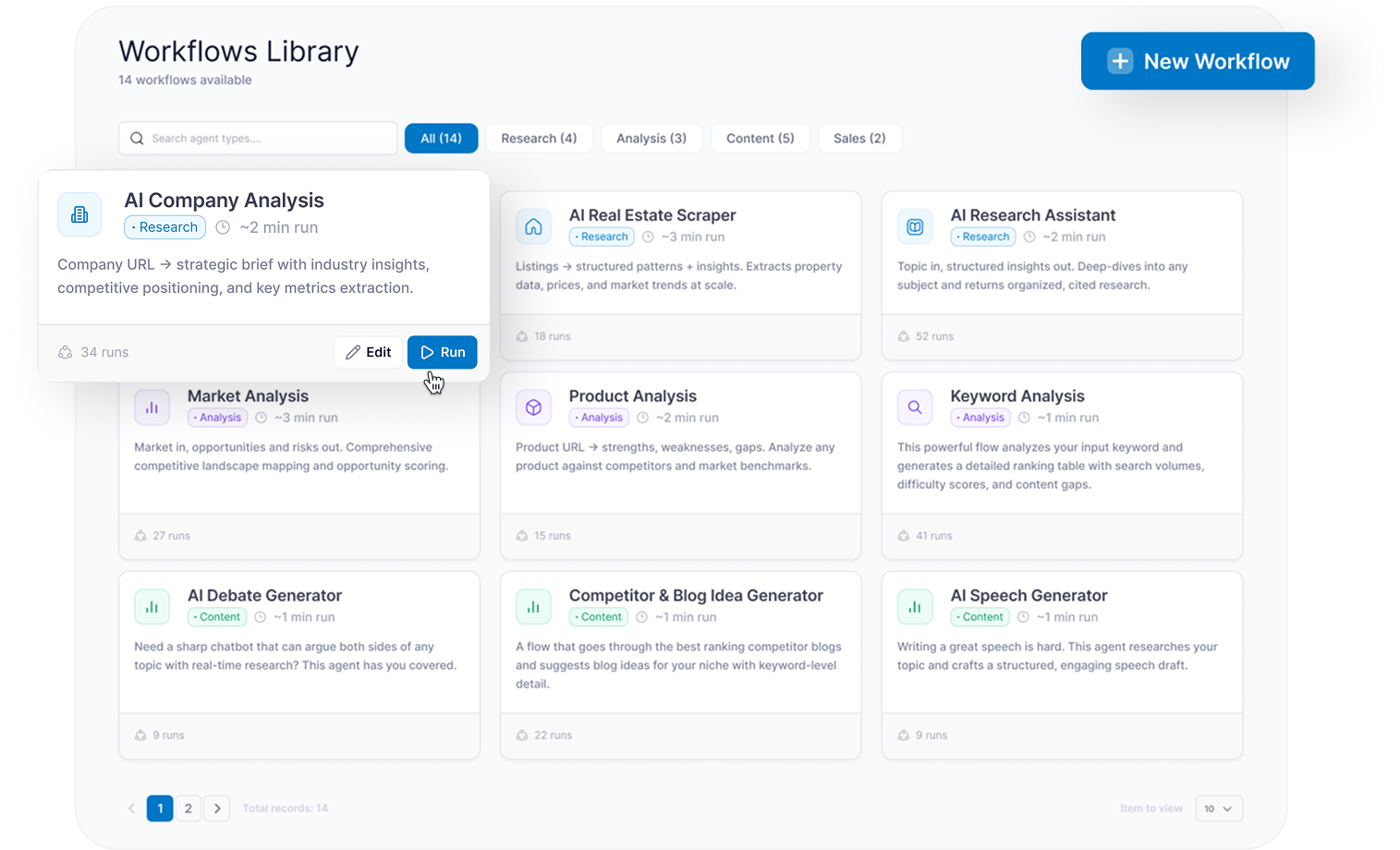
- Workflows Library — browsable catalog of 14+ reusable agent types grouped by 6 categories: research, extraction, analysis, content generation, monitoring, document processing
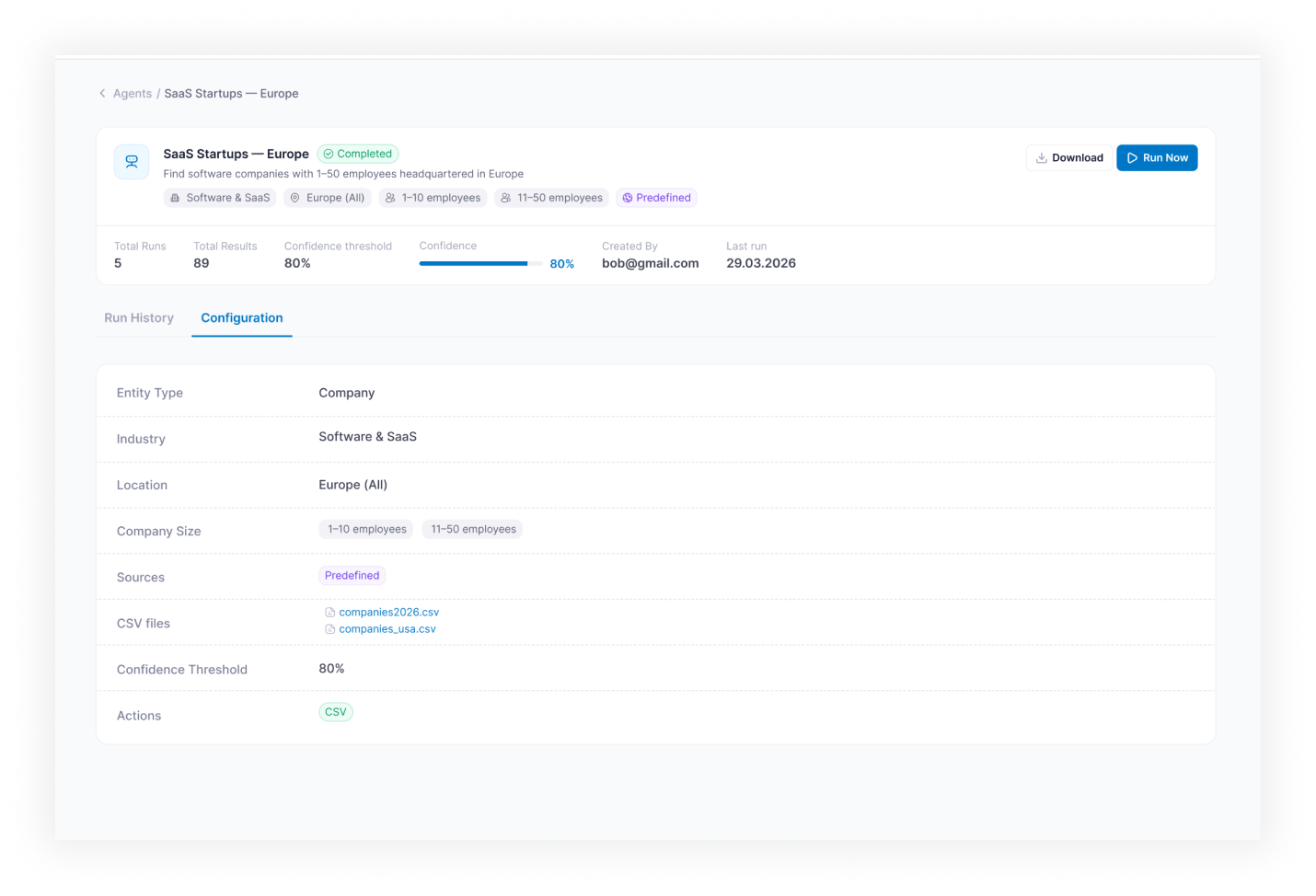
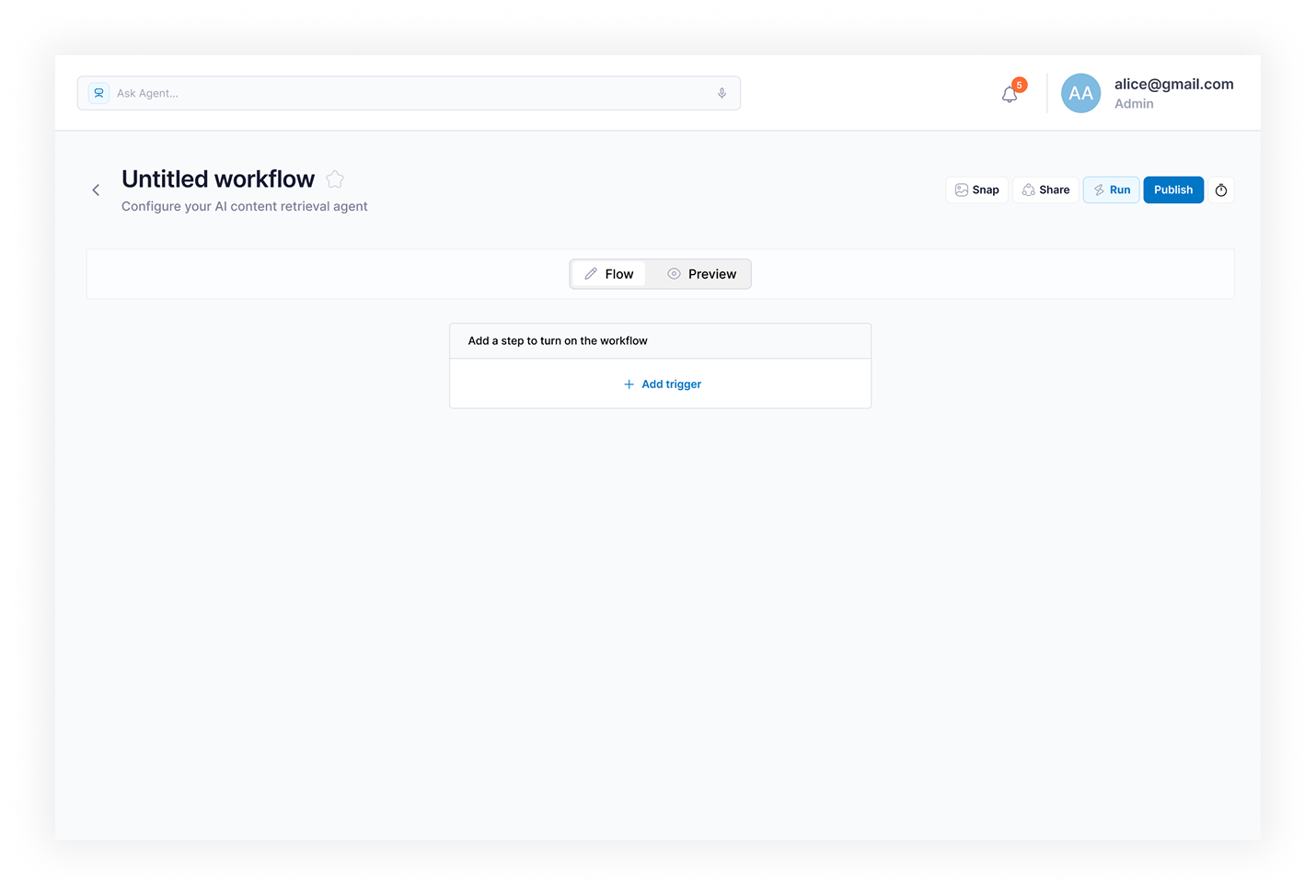
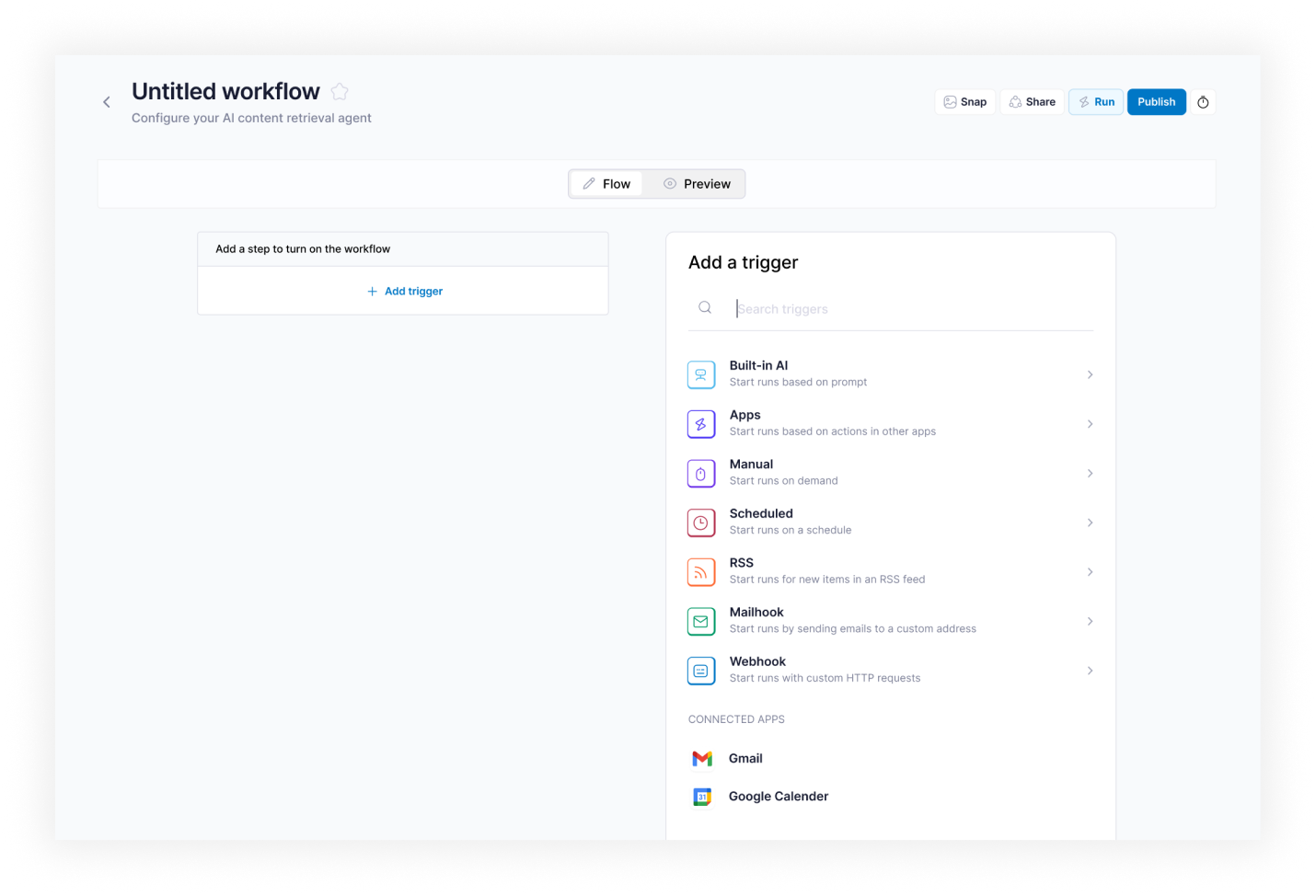
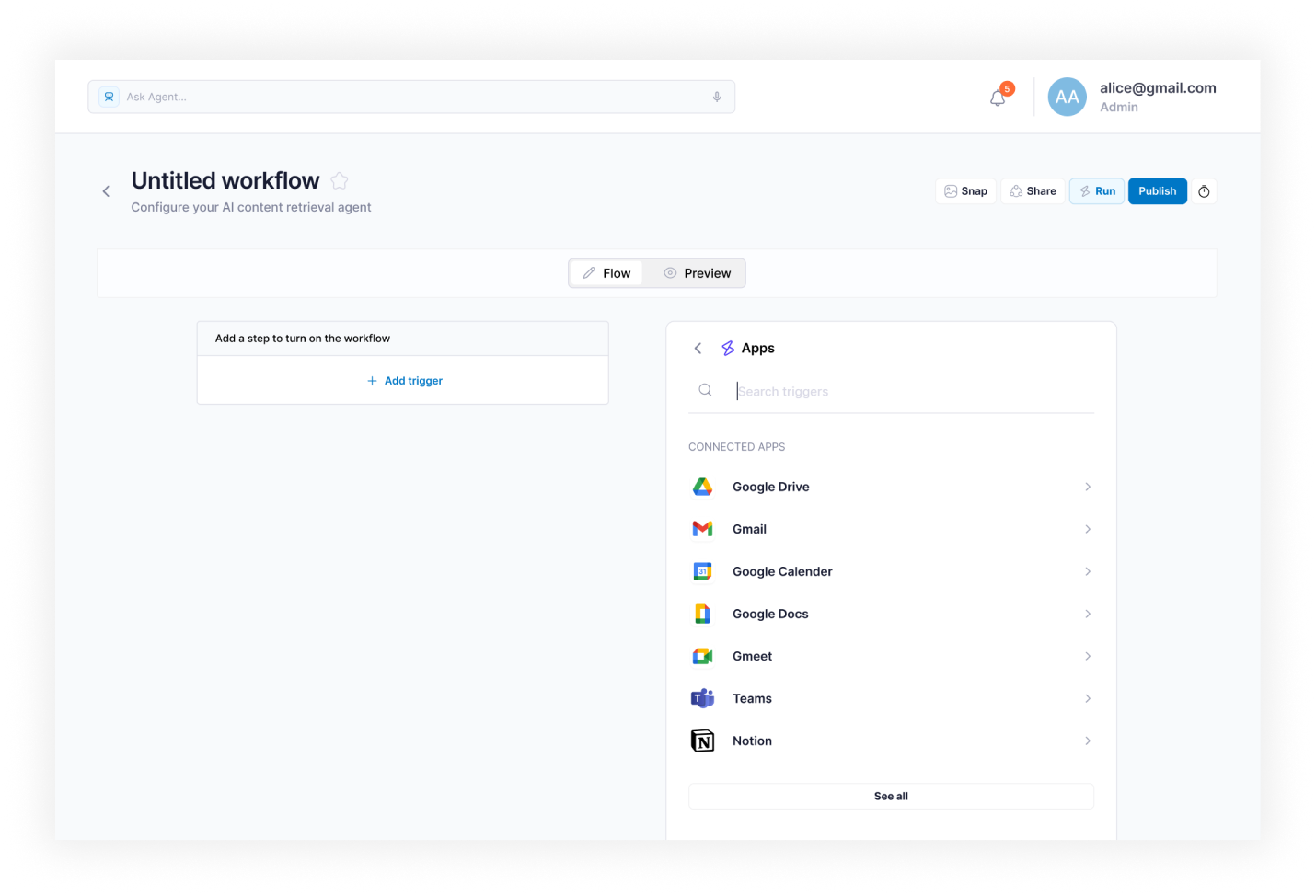
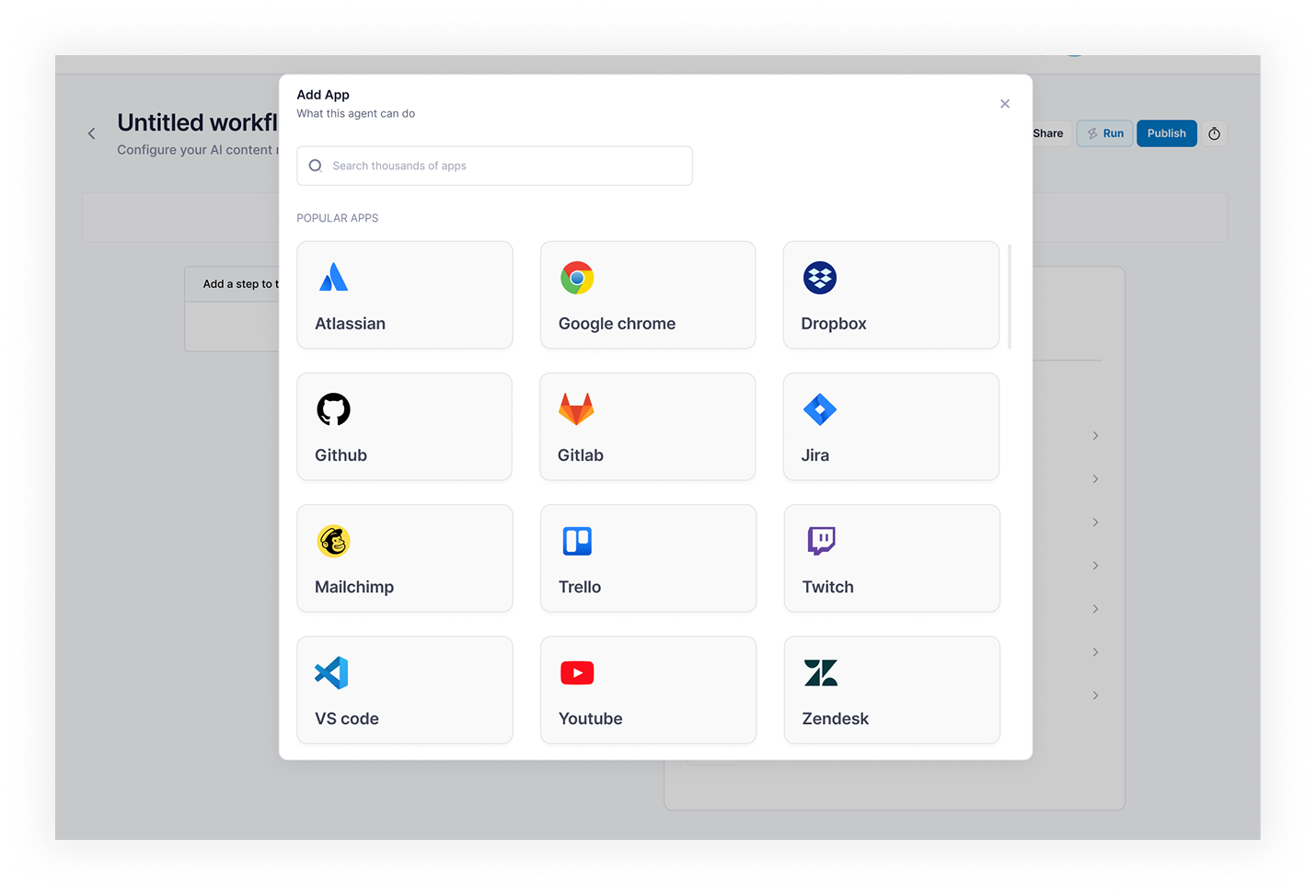
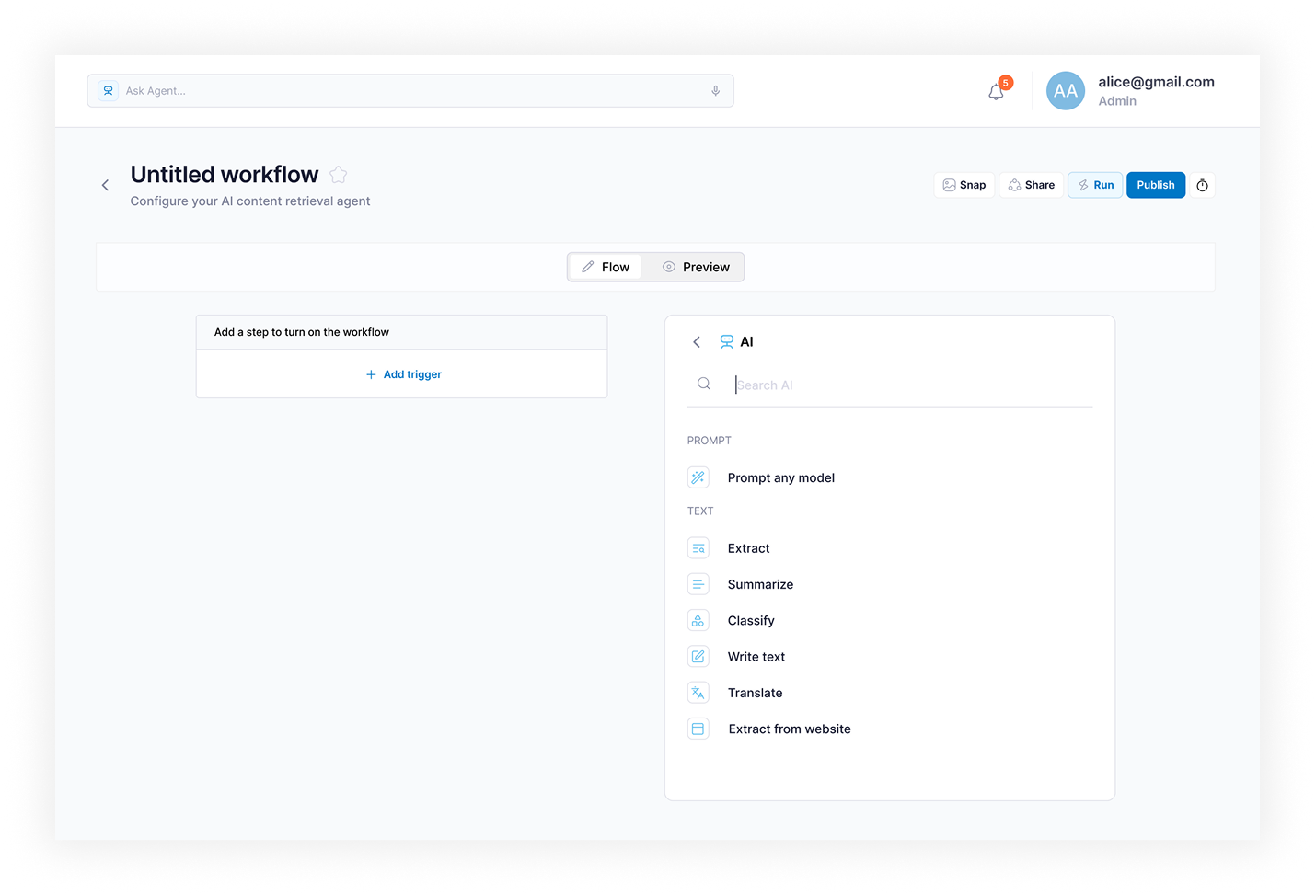
- Agent Creation Wizard — dual-mode setup: Describe with AI for plain-English input; Configure manually for category, sources, and run parameters
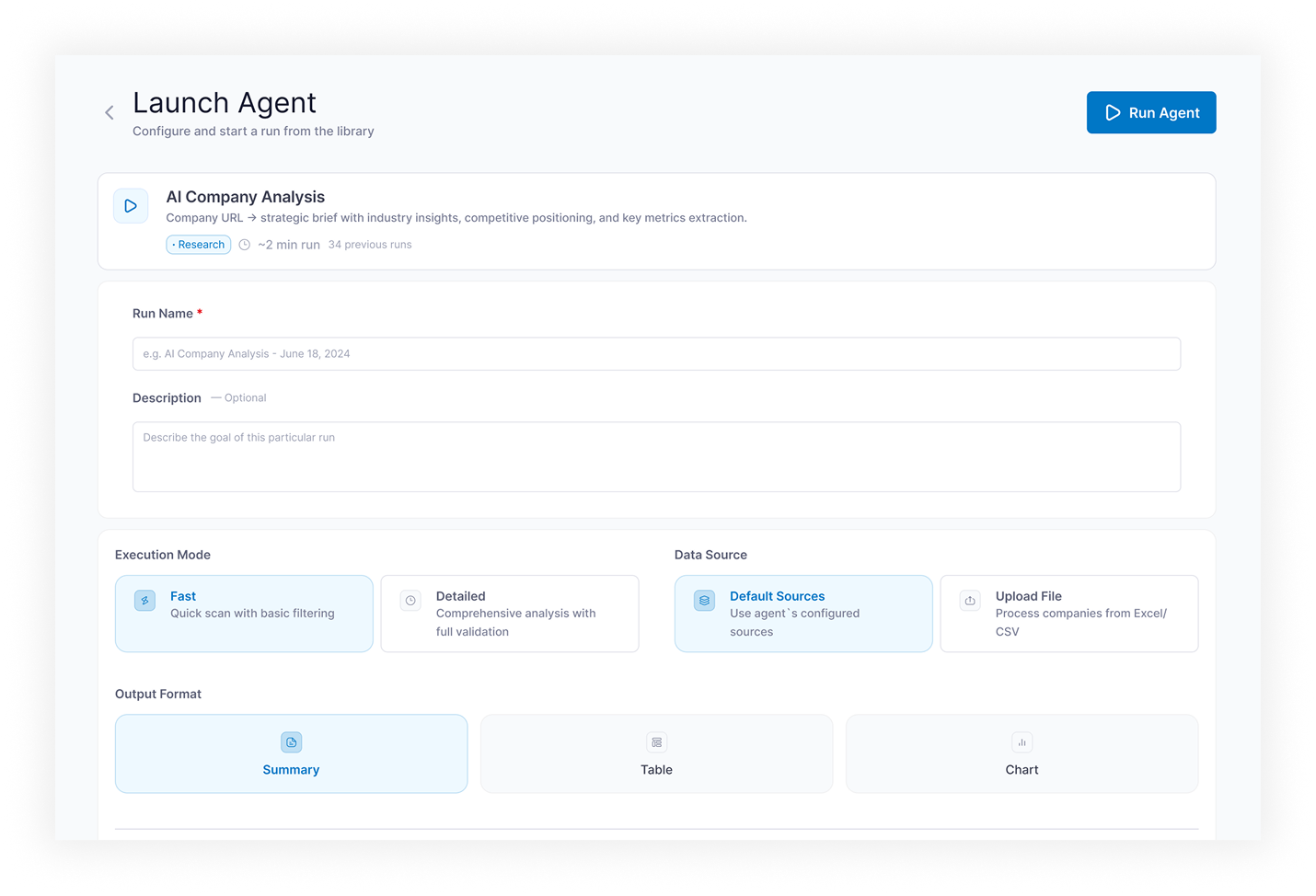
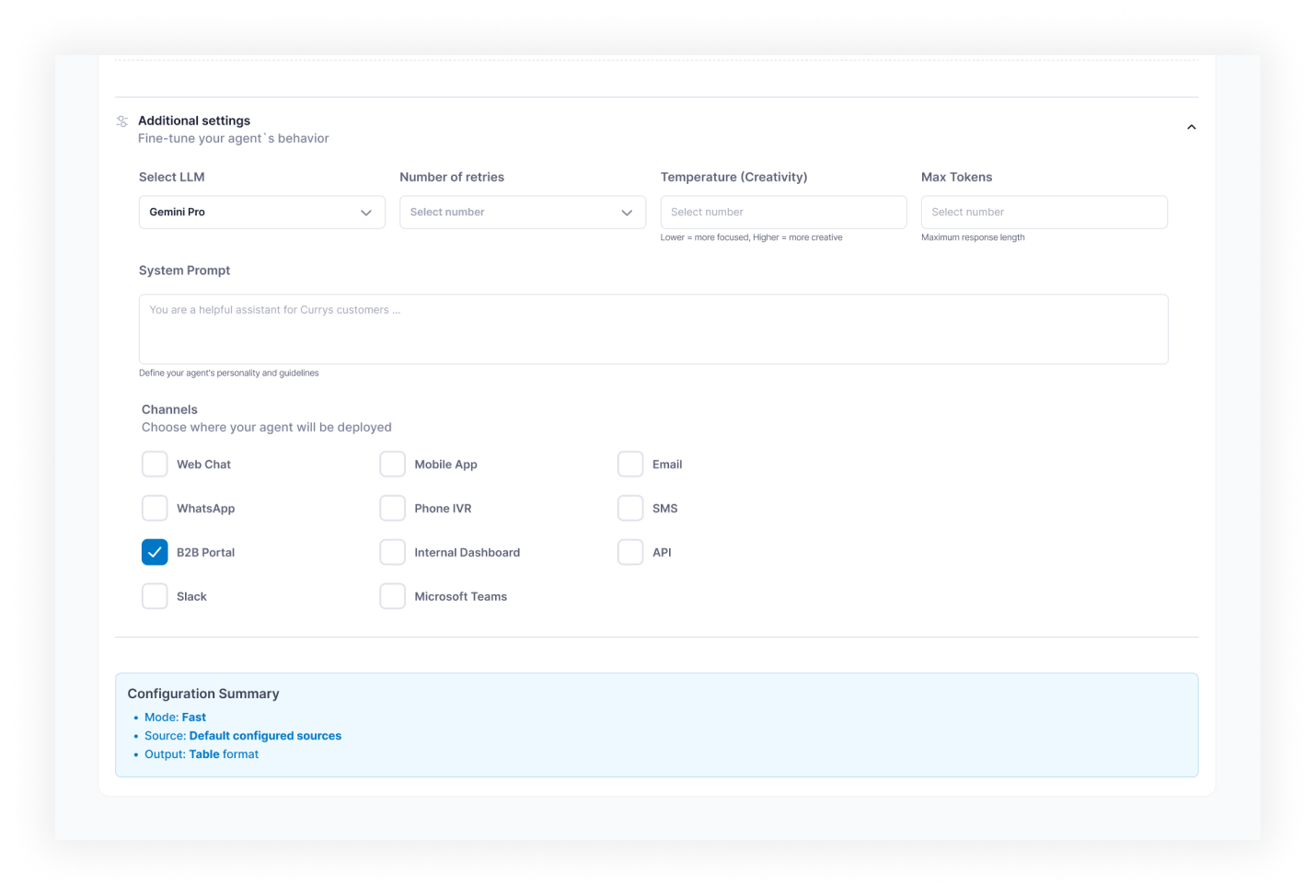
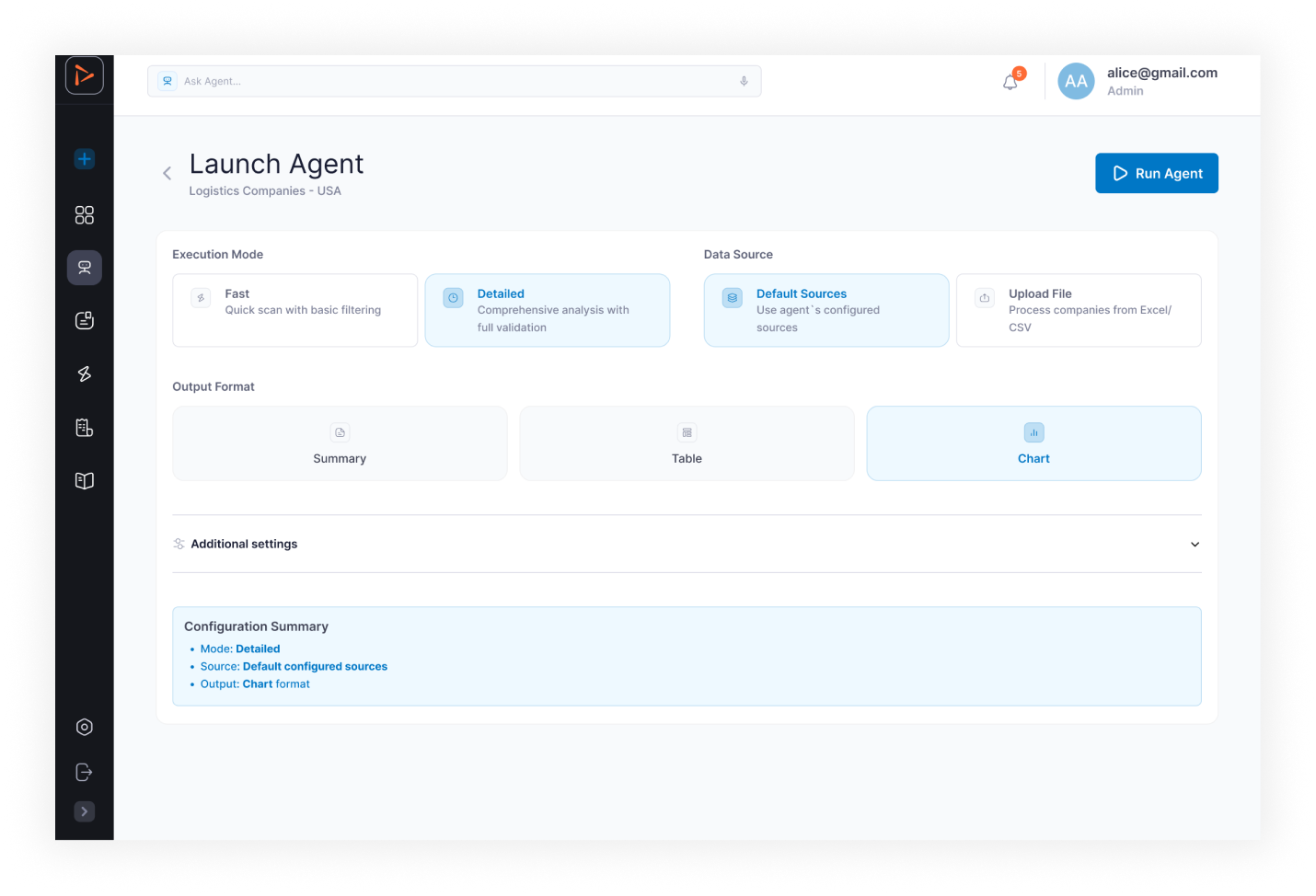
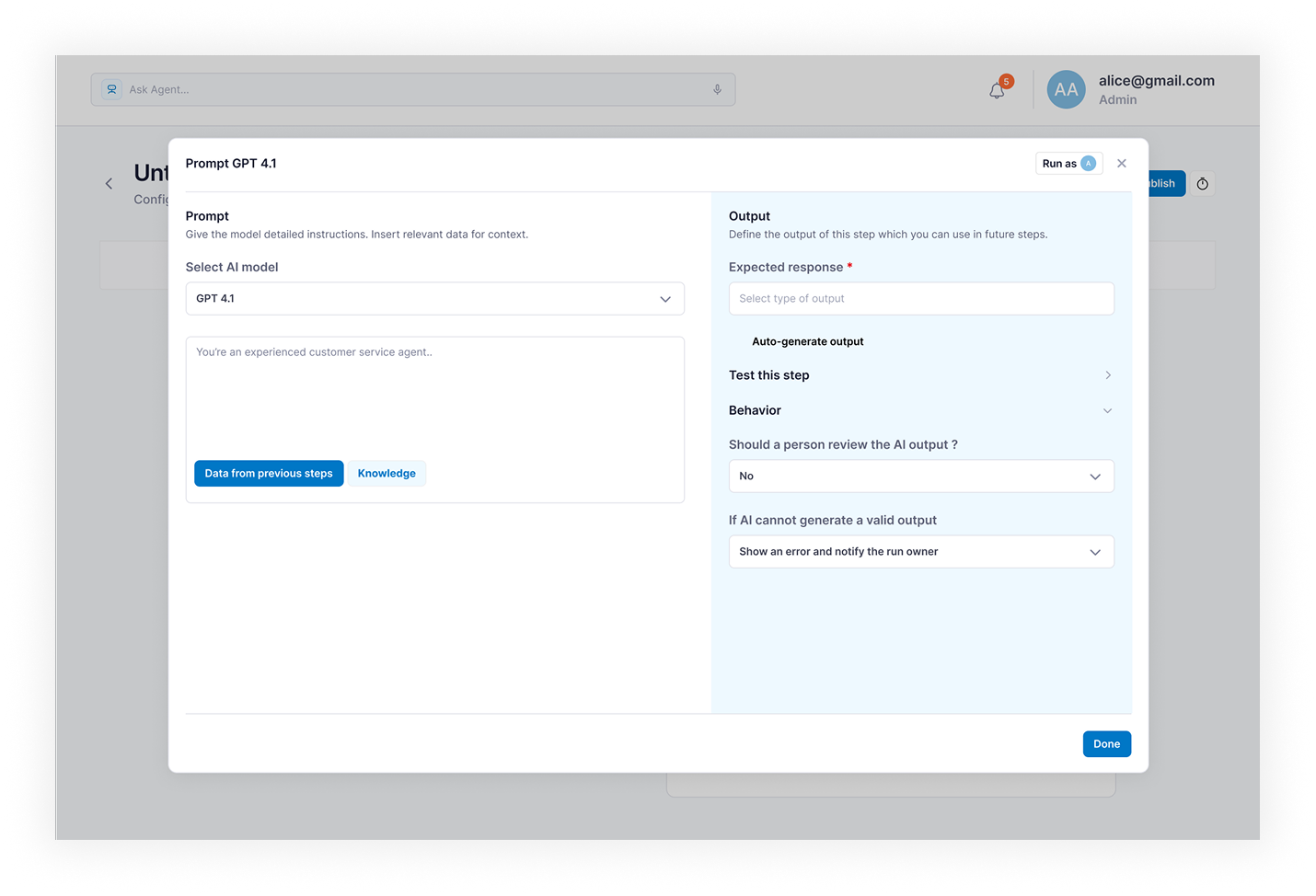
- Launch Agent — run configuration screen: run name, description, file upload, LLM selection, retry settings, additional parameters
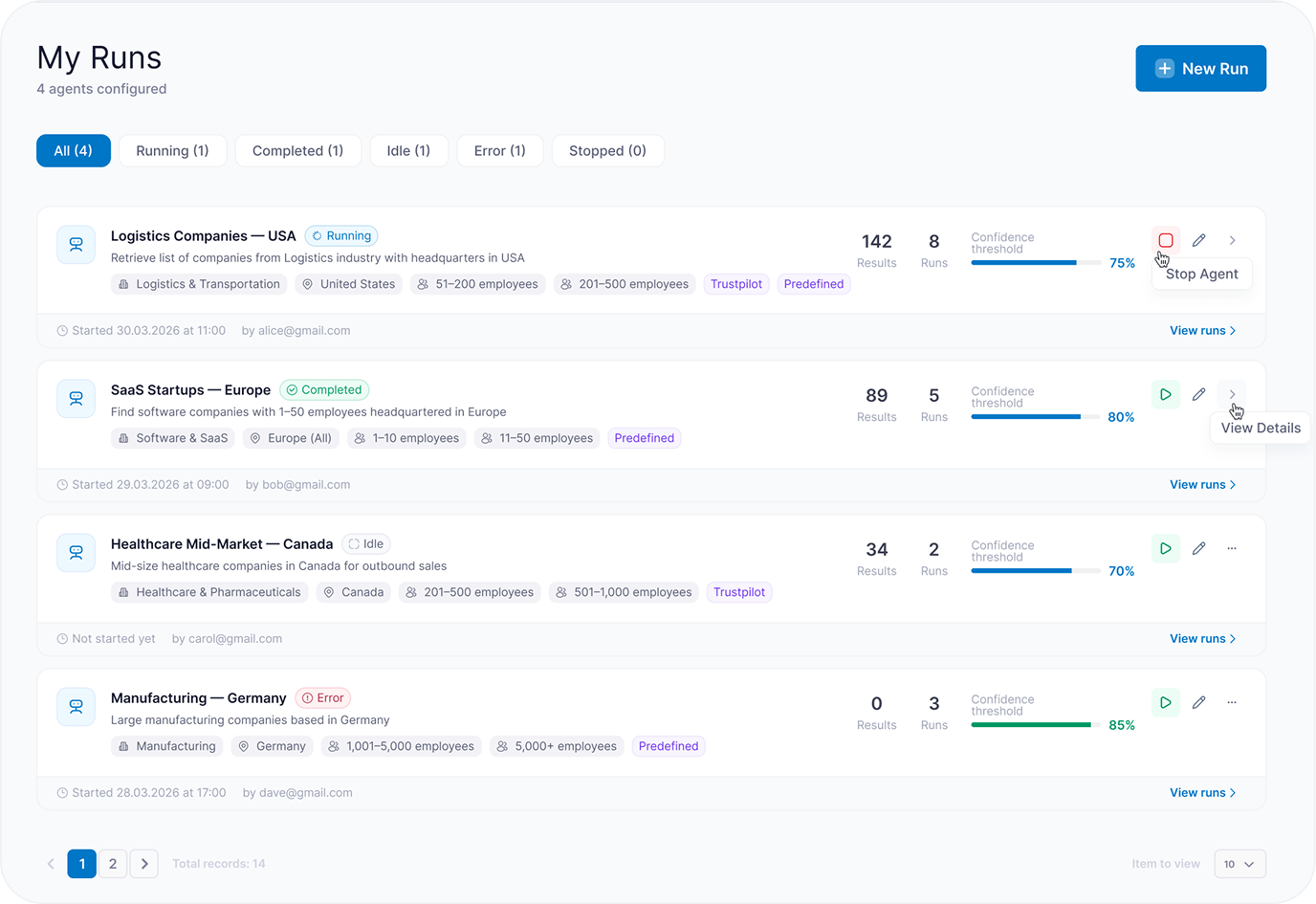
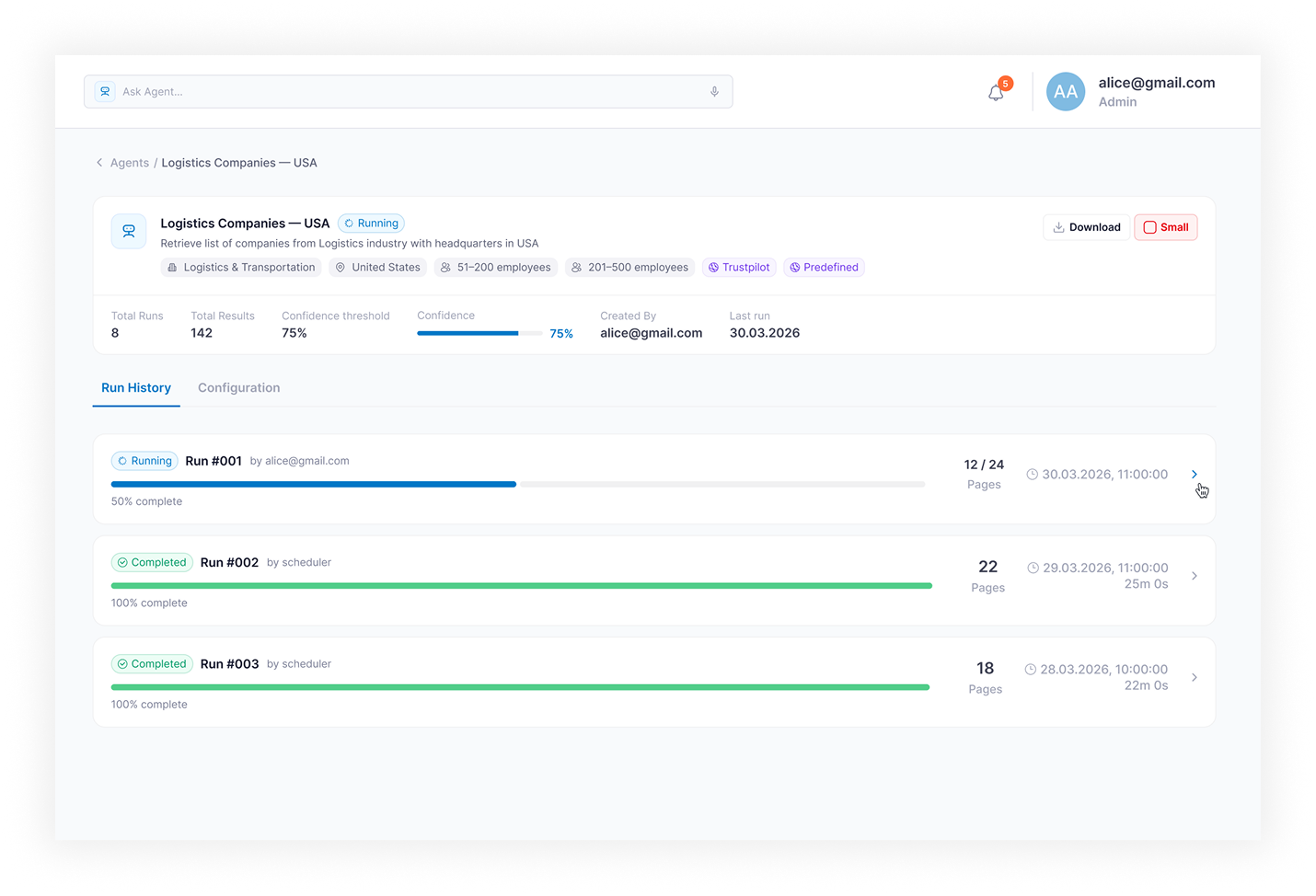
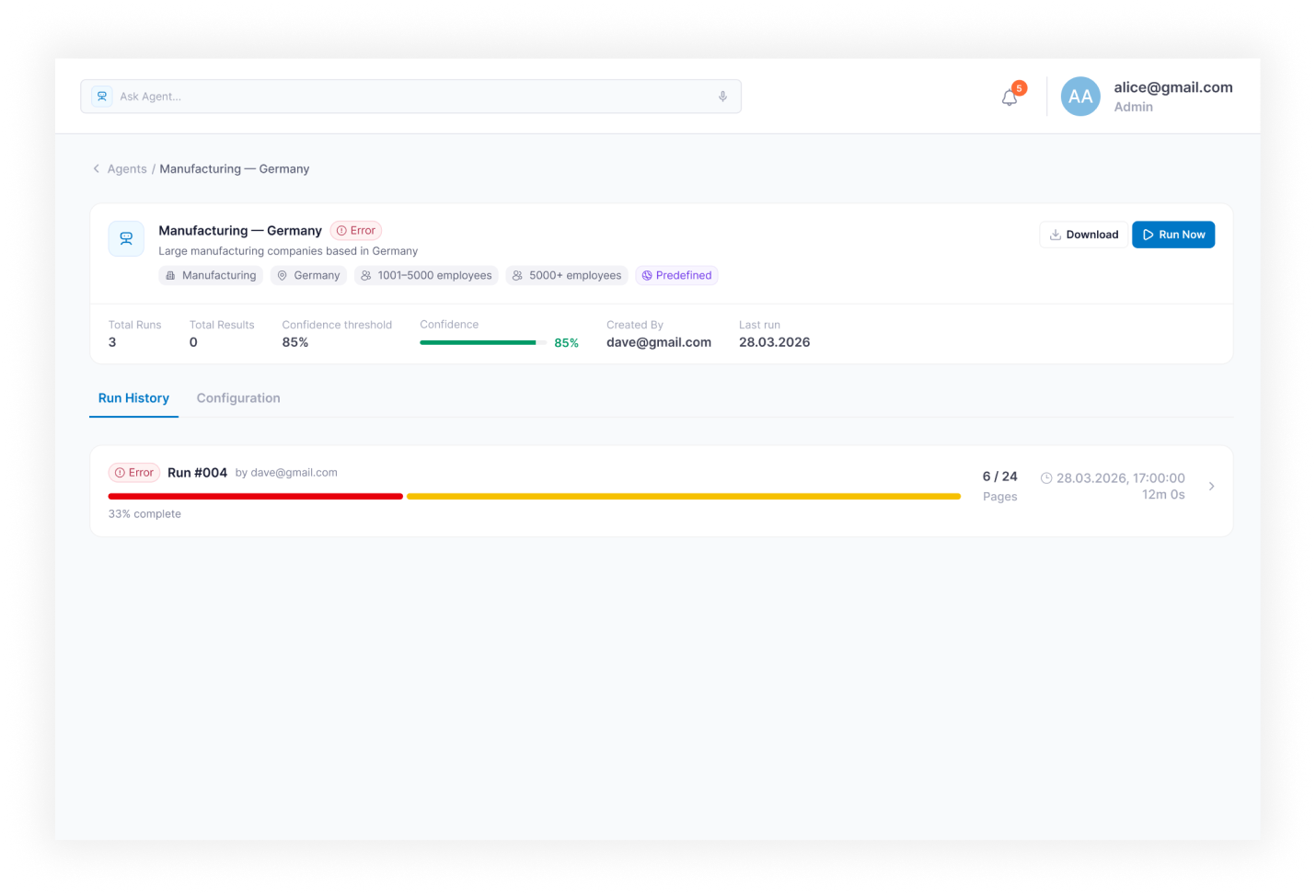
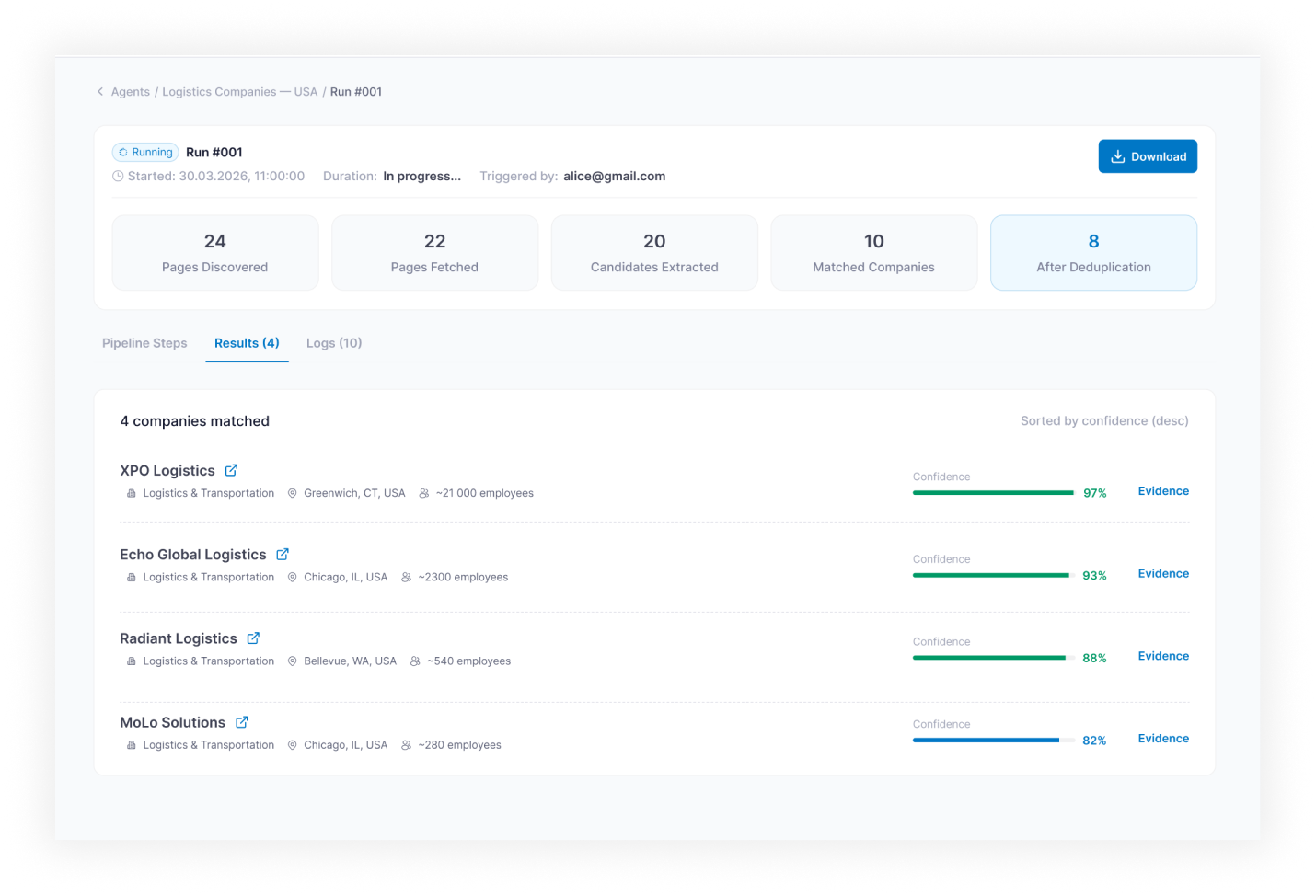
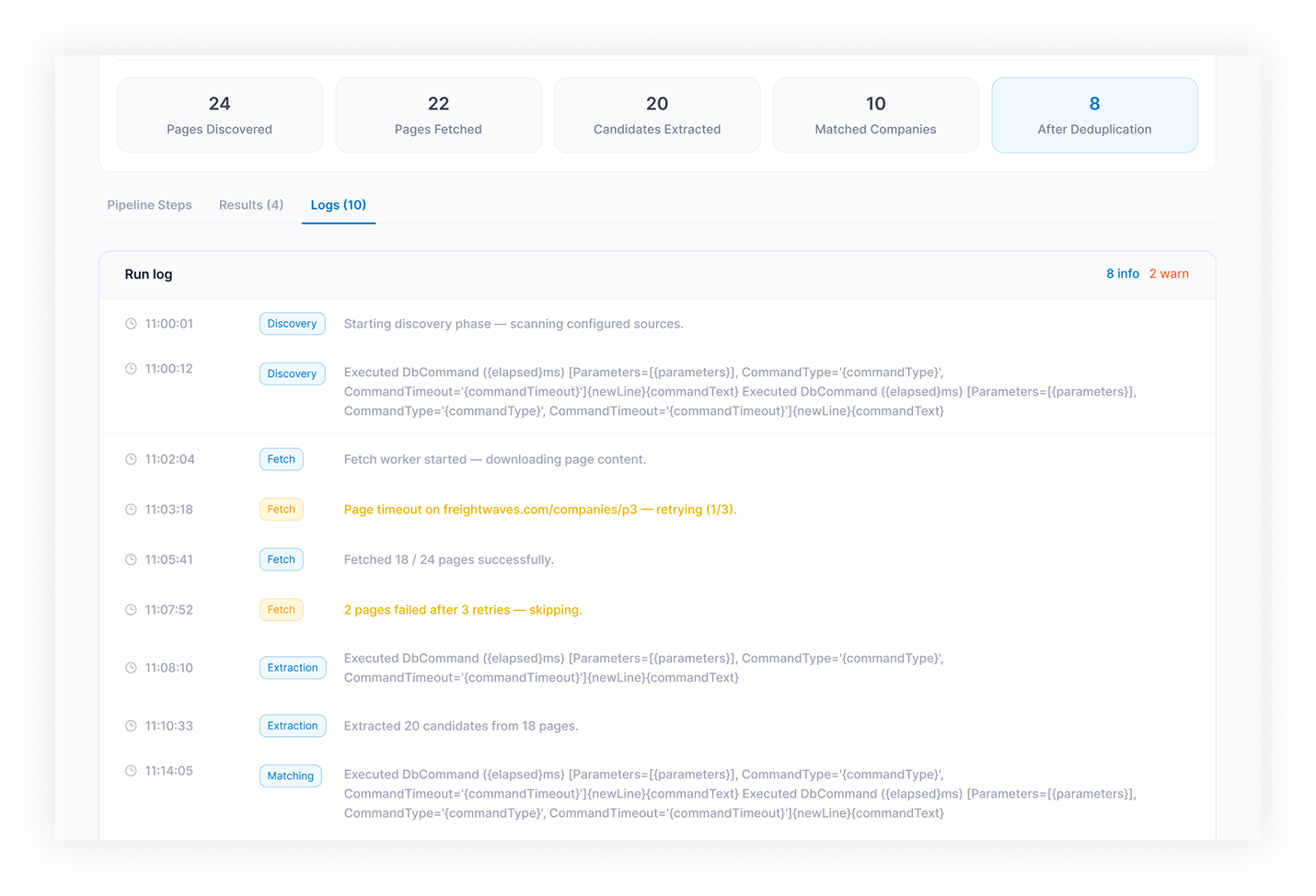
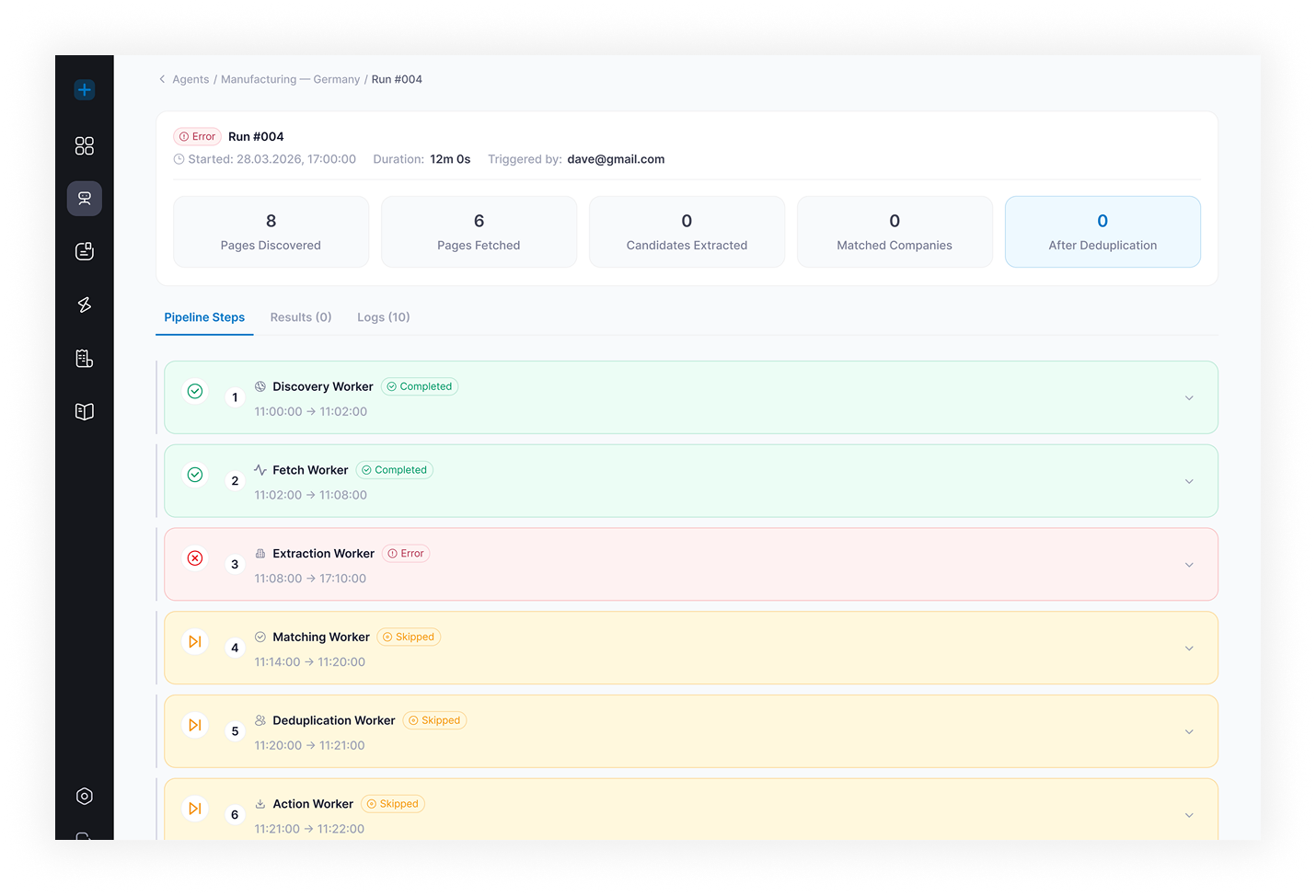
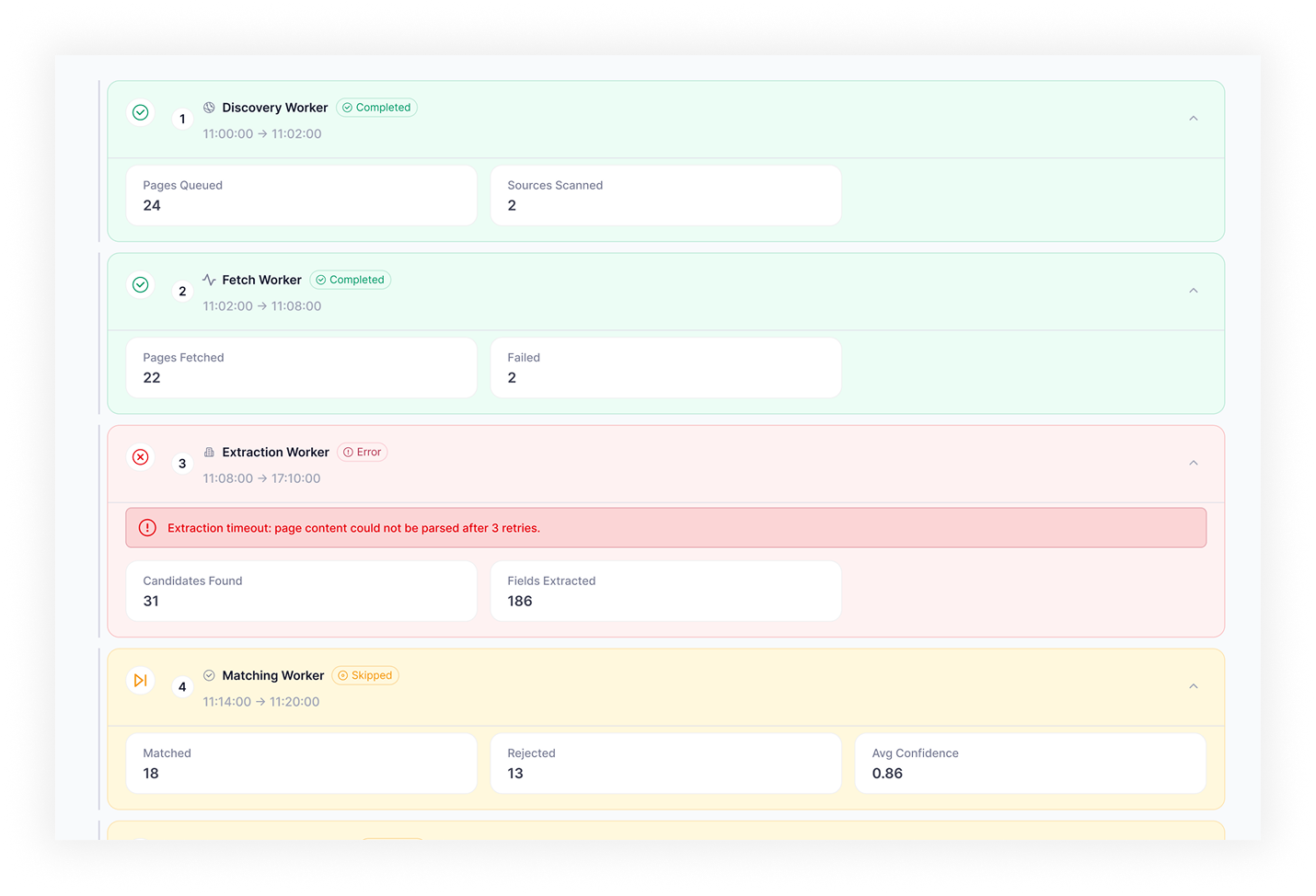
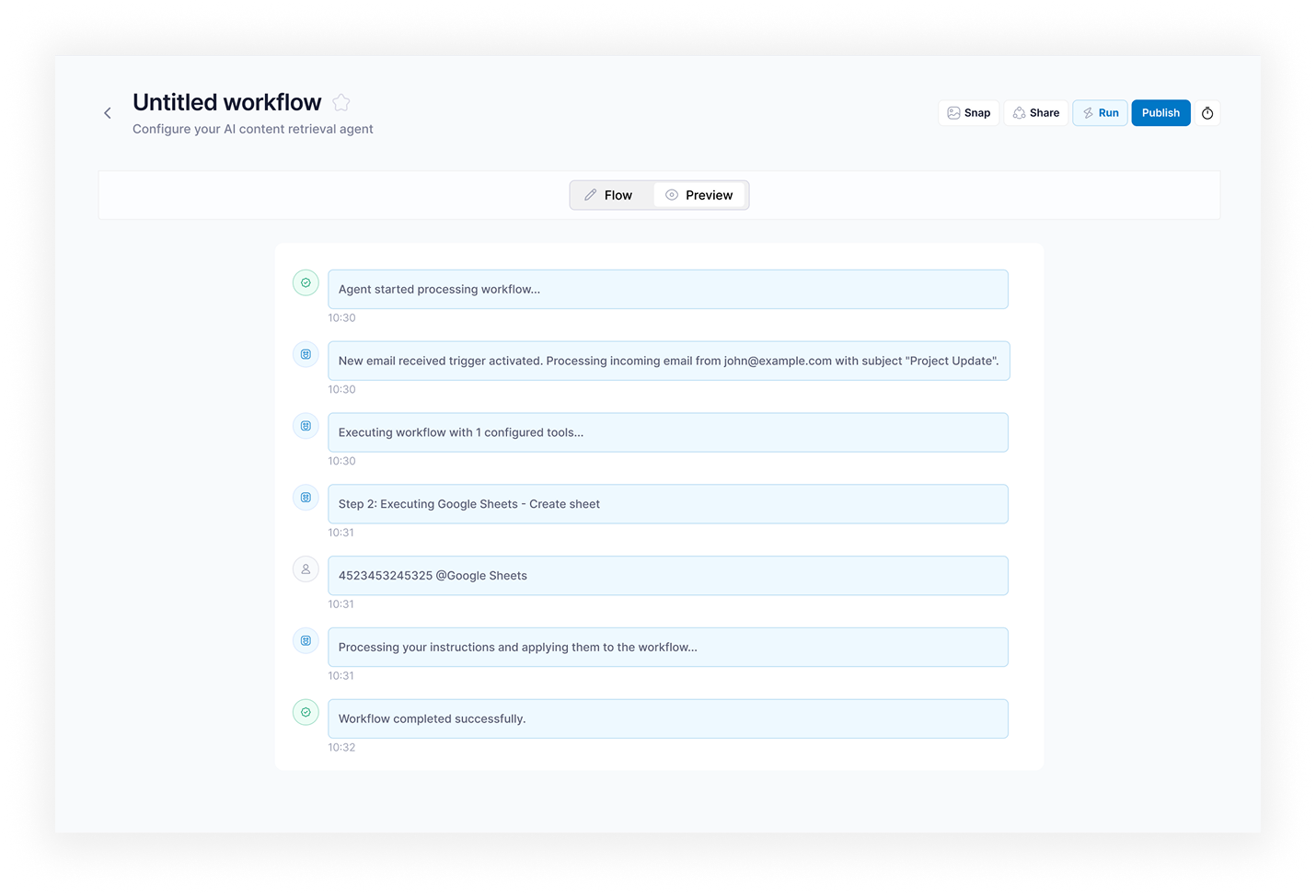
- Run Monitoring — live execution view with status (Running / Completed / Idle / Error / Stopped), progress, crawled pages, results count, logs, warnings, and failed steps
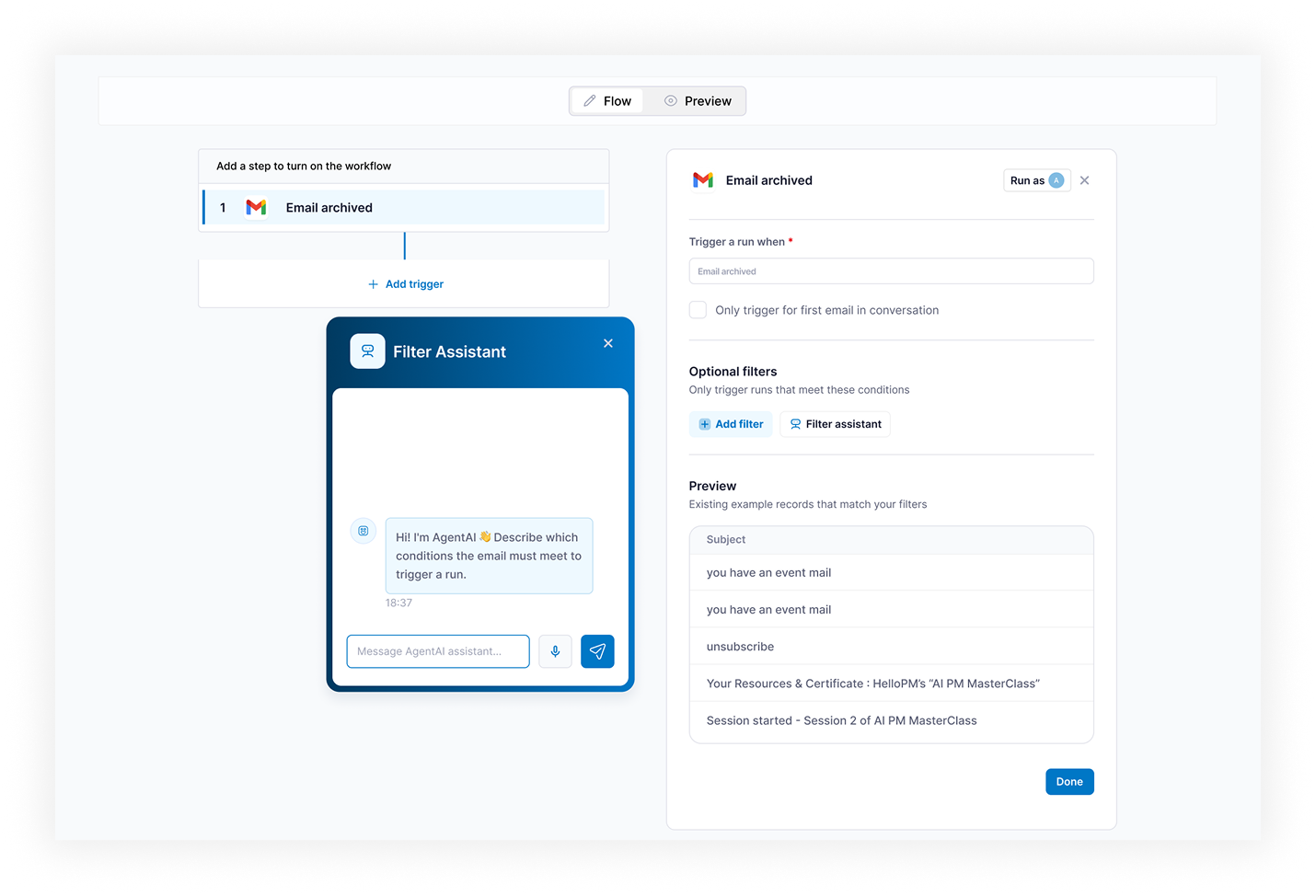
- Results and Export — structured results table with fields, confidence scores, per-record statuses, and export to CSV / Excel
Infrastructure: LangGraph orchestrates the agent execution graph. Each step is a node with defined inputs, outputs, and transition conditions; retry and fallback paths are explicit edges, not try/catch blocks. Hangfire (a .NET background job library) handles background job execution, distributed queuing, and scheduled runs with configurable retry policies per agent type. Elastic Vector Search powers RAG (Retrieval-Augmented Generation, the pattern of grounding LLM answers in retrieved documents) for agents that reason over uploaded documents or knowledge bases. Playwright handles web crawling with per-agent configuration: URL seeds, crawl depth, domain allowlists, rate limits, and JavaScript rendering. The platform runs on Azure with Docker containers, CI/CD through Azure DevOps, schema migrations via EF Core, and an OpenAPI 3 contract for the public REST API. Role-based access control separates agent management permissions from run data visibility.
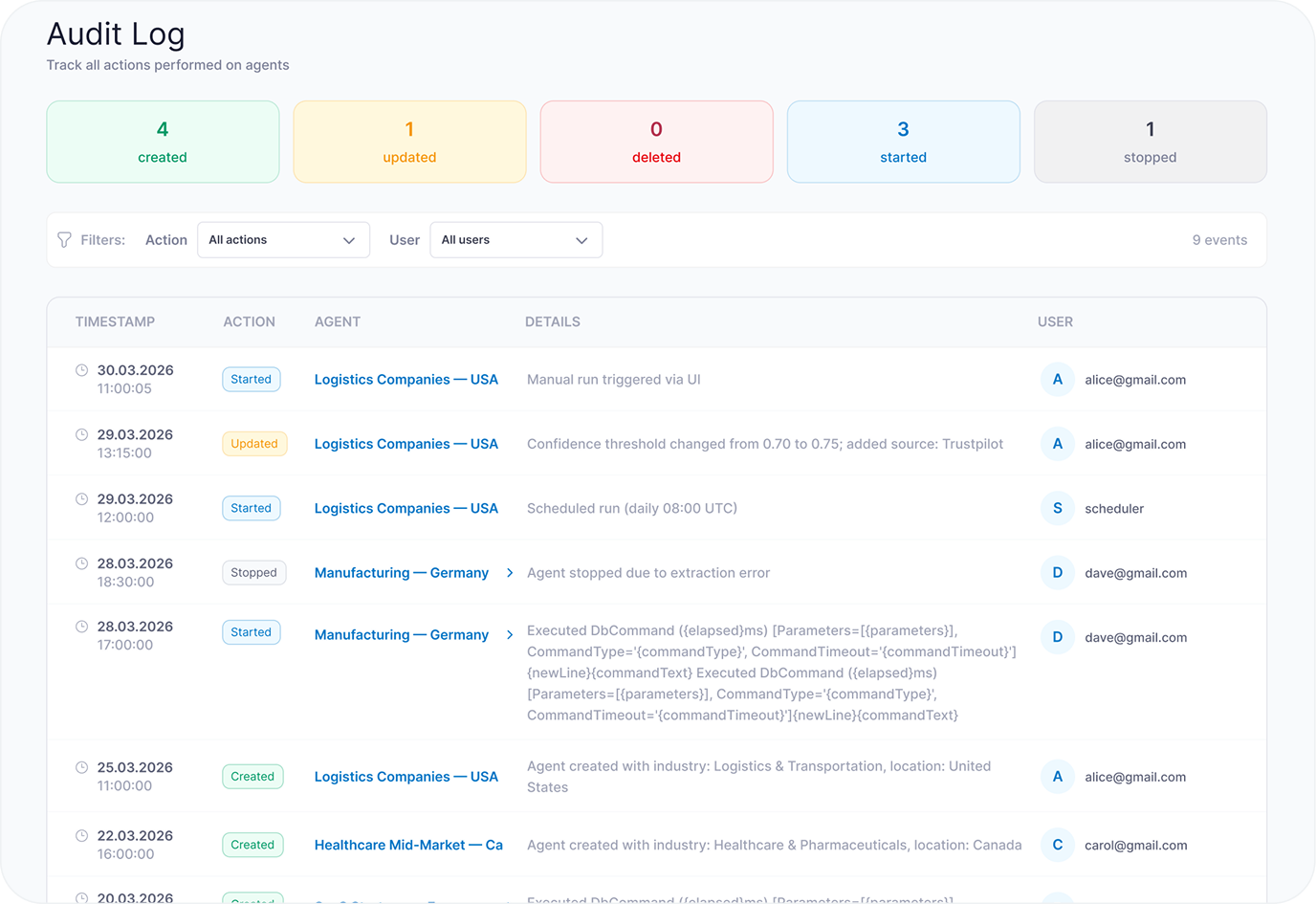
Production observability runs on two layers. Application traces, metrics, and exceptions ship to Azure Application Insights. LLM-specific traces — prompts, completions, token usage, cost per run, and per-agent latency — go to Langfuse (an open-source LLM observability platform), so every agent run is replayable with full prompt history when something goes wrong in production.
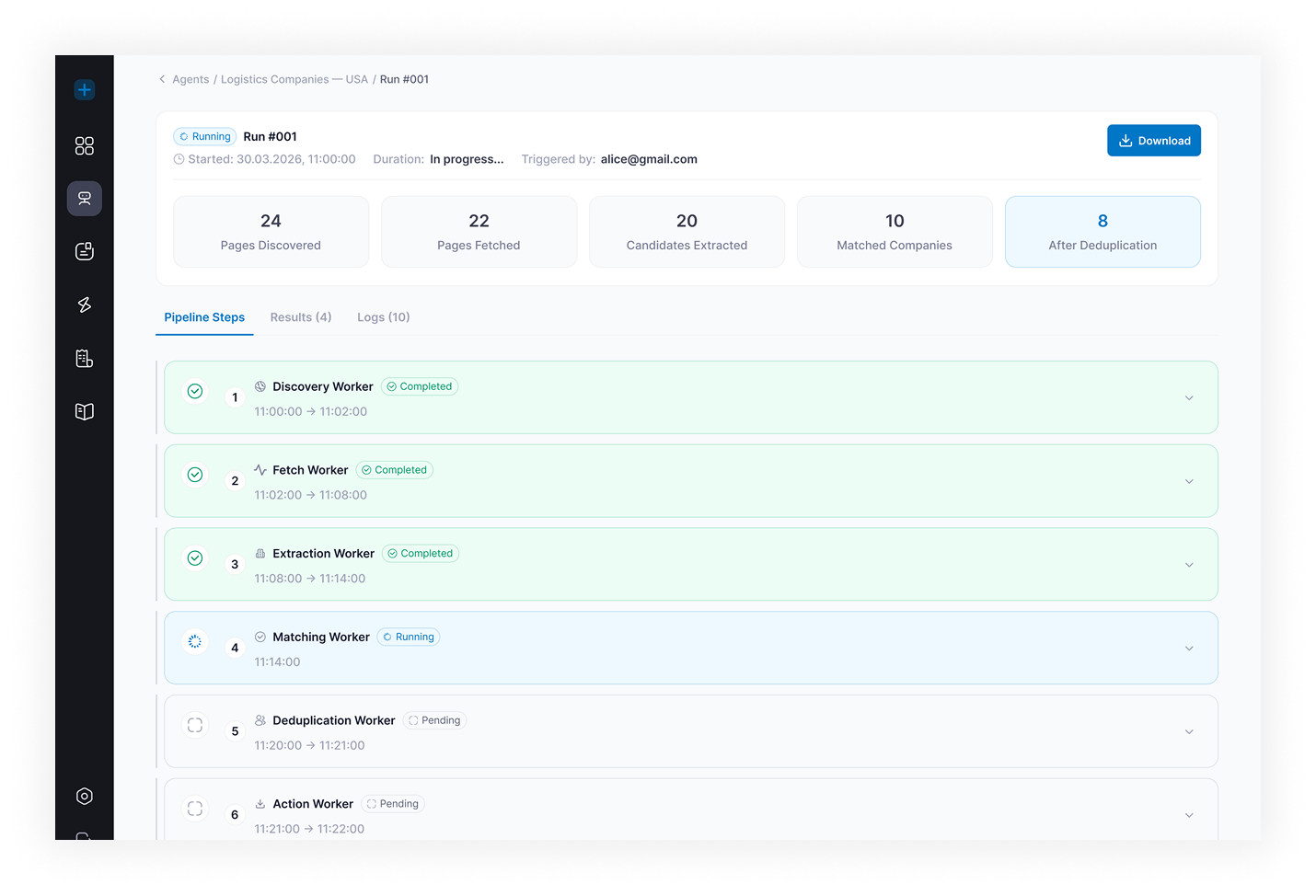
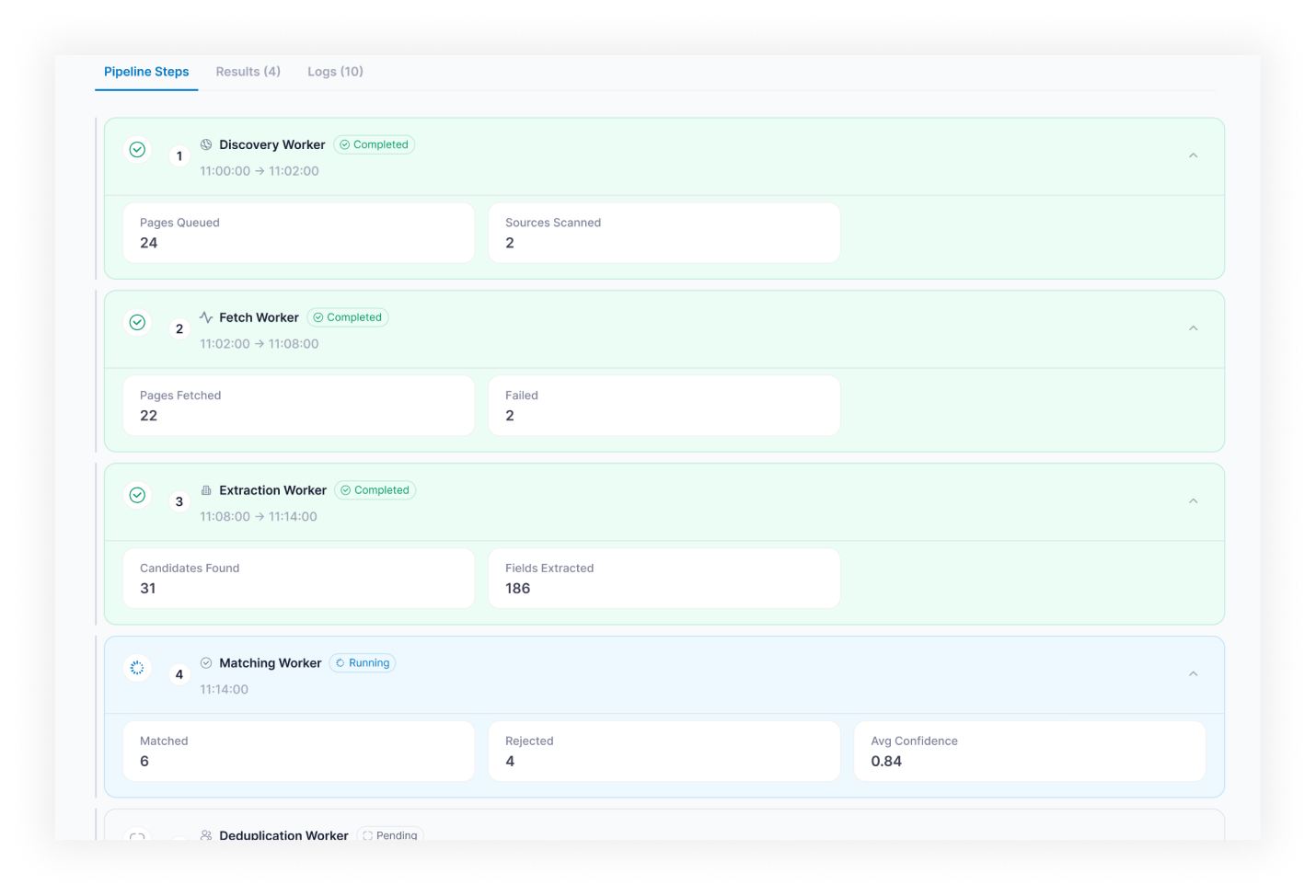
Performance characteristics
- Crawling is parallelized with configurable concurrency per agent; throughput scales with worker count rather than agent code changes
- RAG retrieval is served by Elastic Vector Search and scales with corpus size up to the indexed limit
- Single-agent run time is bounded by tool-call count and LLM choice, not by orchestration overhead; runs are visible in real time and can be aborted mid-flight
One tradeoff we made (LangGraph over CrewAI and OpenAI Assistants)
LangGraph over CrewAI and OpenAI Assistants. CrewAI is faster to spin up for demo agents, but the multi-agent abstraction hides the execution graph and makes per-step retry policies awkward. OpenAI Assistants ties the platform to one vendor and gives shallow observability. LangGraph cost us more setup time in weeks 1–4 but paid back from week 12 onward: every retry, branch, and failure is inspectable from a single run log, and adding a new agent type is a graph definition, not a framework gymnastics exercise.
One failure mode we hit and fixed (field-level hallucinations)
In the first weeks of production runs, agents occasionally returned hallucinated field values for company research, especially for companies with thin web footprints. Response-level confidence was not enough: an agent could be confident overall and wrong on one field. Fix: confidence scoring was moved to the field level, each extracted value gets a separate score from the reasoning step, and any field below threshold gets flagged in the output table with a low-confidence status. Reviewers approve or reject per field, not per record. Bad records stopped reaching downstream CRM imports once field flagging shipped.
Technologies used
Results
- 14 AI agent types built and deployed as reusable, configurable templates
- Six workflow categories automated: research, extraction, analysis, content generation, monitoring, document processing
- Structured agent output replaced generic AI tooling for B2B lead research and company analysis
- Uploaded Excel and CSV business data feeds directly into agent runs without manual re-entry
- Researchers reclaimed a median of 5.5 hours/week (across 4 researchers, weekly task log audit at month 6) previously spent on manual lookups [estimate]
- Every run tracked with status, progress, logs, warnings, and retry history
- Every agent run returns clean fields, confidence scores, and per-record statuses ready for downstream use
Adoption inside the client team
- The platform has been in continuous production use since the core release in week 12
- Teams that previously assigned analysts to weekly market and competitor scans now review agent output rather than gather it manually
- New agent types are requested by team leads directly, without an engineering ticket
Why TwinCore
The client evaluated two paths before hiring TwinCore: hire an in-house ML team, or string together Make.com and OpenAI Assistants. The in-house path required hiring ML, backend, and PM headcount and would have run well into a year of ramp-up before first production agent. The no-code path was already in flight and had stalled at single-purpose flows that broke on edge cases.
TwinCore was a fit on three points: prior delivery of LangGraph-orchestrated agent systems, RAG infrastructure experience with Elastic Vector Search, and a small senior team (3 full-stack engineers) that could ship a production PoC in the first month rather than running a 6-month discovery.
Build vs buy
| Path | Time to first production agent | Year–1 risk |
|---|---|---|
| In-house ML team | 6–9 months of hiring and ramp-up | Hiring market, attrition, framework choice still ahead |
| Make.com + OpenAI Assistants | Weeks per flow | Breaks at edge cases, no observability, vendor lock |
| TwinCore custom platform | Internal PoC in week 4, production core in week 12 | Defined scope, fixed team, codebase owned by the client |
Wants the same?
If your team runs the same research, extraction, or reporting workflow 5+ times a week, book a 30-minute architecture call. We will sketch a build plan, name the agent types that fit your data, and give a delivery and cost ballpark on the call. No proposal cycle, no slide deck.
